Design and print badges
Build professional layouts with photos, text, logos, barcodes, and reusable card templates.
Start with your workflow
Match the software level to your card volume, data sources, encoding requirements, and the number of people who need access.
Build professional layouts with photos, text, logos, barcodes, and reusable card templates.
Save records for quick reprints or connect an existing data source for efficient batch production.
Support magnetic, smart-card, network, and user-permission workflows when your program requires them.
Leading badge-design platforms
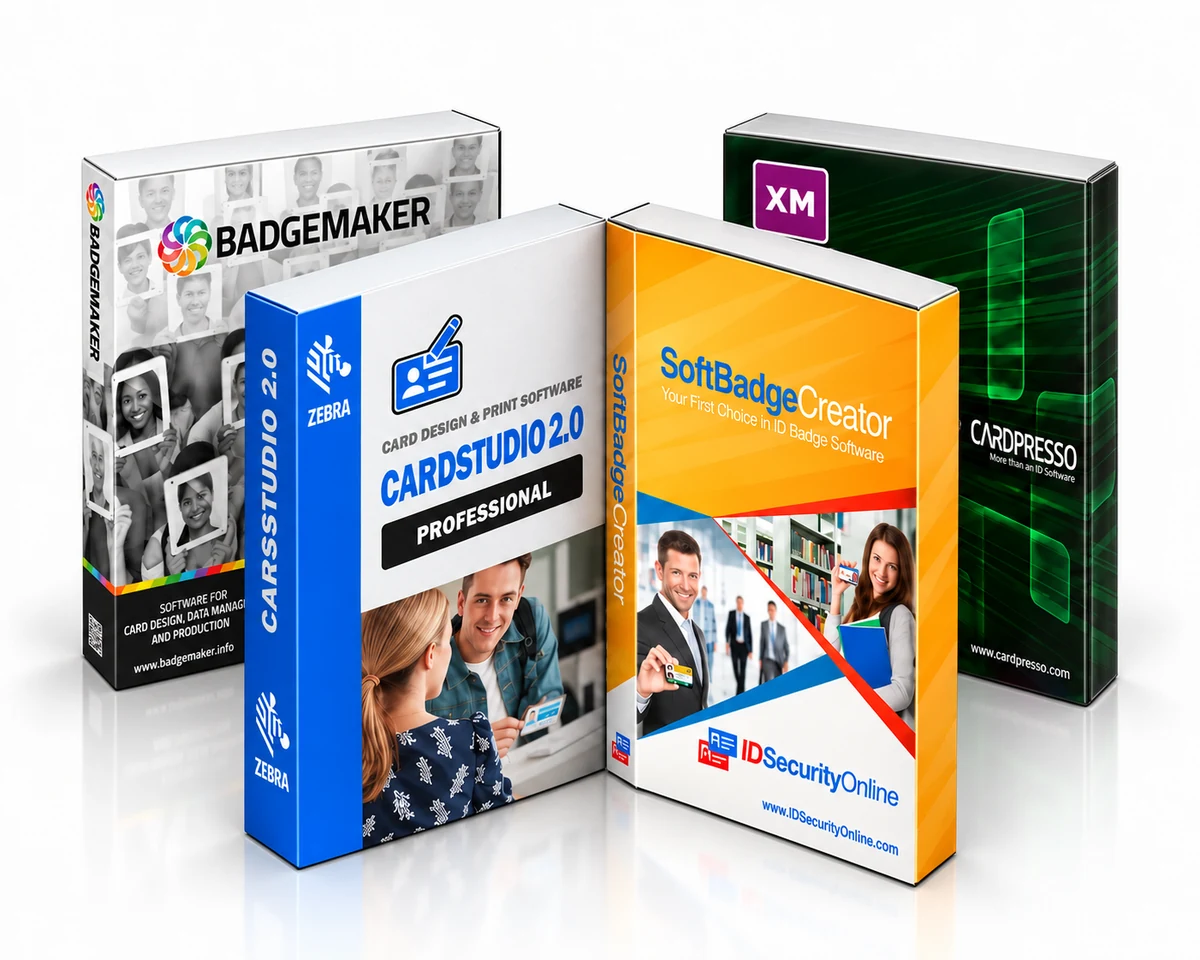
Compare trusted software families, from straightforward card design to connected enterprise credentialing.


Popular software choices
Software buying guide
Learn how software levels, databases, encoding, networking, and card applications affect your choice.
Most programs will allow you to import images, add text and barcodes, and use predefined templates to design your badges. However, if you need advanced functionalities, you will need to make sure that your software supports such options.
Entry-level software is perfect for small organizations in need of printing up to a few hundreds cards a year. These items usually come with limited database functionality and a set number of fields per card but work great for low volume applications.
Advanced software versions usually include external database connectivity and the possibility to add as many fields to your cards as needed. Designed for batch printing, these programs will allow you to save your cardholders data for easy reprints. Small to medium businesses looking for a flexible solution should definitely consider these products.
Finally, fully-featured software is available for corporations with large databases and encoding needs. Ethernet connectivity is also supported to connect on a network.
Need help comparing editions?
Tell us about your printer, card volume, operating system, data source, and encoding needs. We’ll help you avoid incompatible or unnecessary features.



2009-2026 © IDSecurityonline.com. All rights reserved.